

1
Make the following change to your
Dockerfile to install and use Subtrace
in your app’s Docker image:2
Add the following lines to your service’s definition in your
compose.yaml
file:3
Start your app as you normally would:

Show example output
Show example output
4
That’s it! Open the 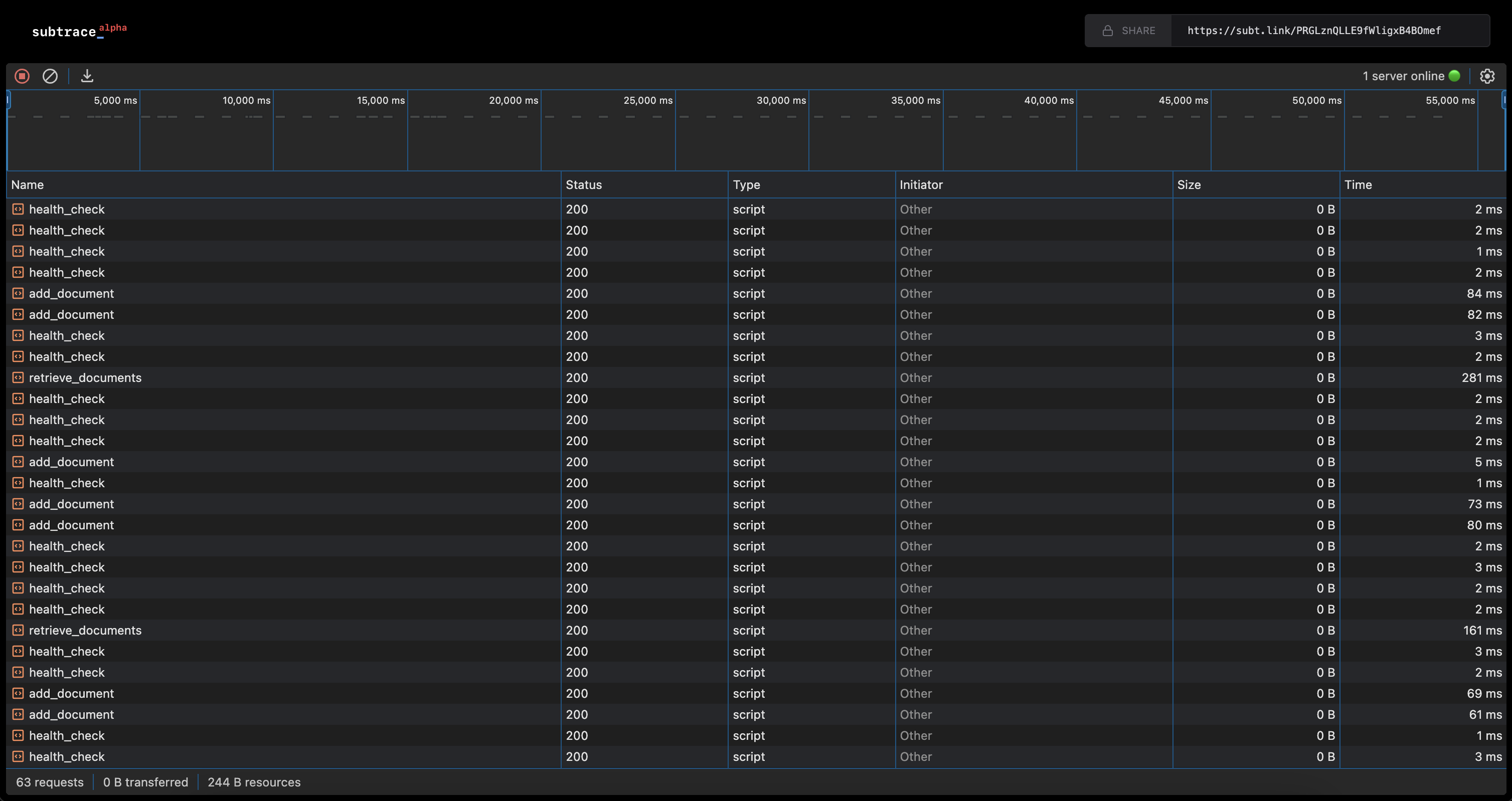
subt.link URL in your browser to see your app’s requests
show up in real time:It’s possible that the
subt.link URL is printed from within a container.