> ## Documentation Index
> Fetch the complete documentation index at: https://docs.subtrace.dev/docs/llms.txt
> Use this file to discover all available pages before exploring further.
# Quickstart
> Inspect your backend requests with just one command
Subtrace is the network inspector for your backend. With just one command, you'll be able to see every HTTP request in your backend.
Follow this guide to add it to your codebase in under two minutes.
Open a terminal and install the Subtrace CLI:
```bash theme={null}
curl -fsSL https://subtrace.dev/install.sh | sh
```
Start your backend like you normally do but wrap the command with Subtrace:
```bash Generic theme={null}
subtrace run -- my-app-command
```
```bash Node theme={null}
subtrace run -- node server.js
```
```bash Go theme={null}
subtrace run -- go run .
```
```bash FastAPI theme={null}
subtrace run -- fastapi run main.py
```
```bash Flask theme={null}
subtrace run -- flask --app hello run
```
```bash Gunicorn theme={null}
subtrace run -- gunicorn -w 4 myapp:app
```
```bash Laravel theme={null}
subtrace run -- php artisan serve
```
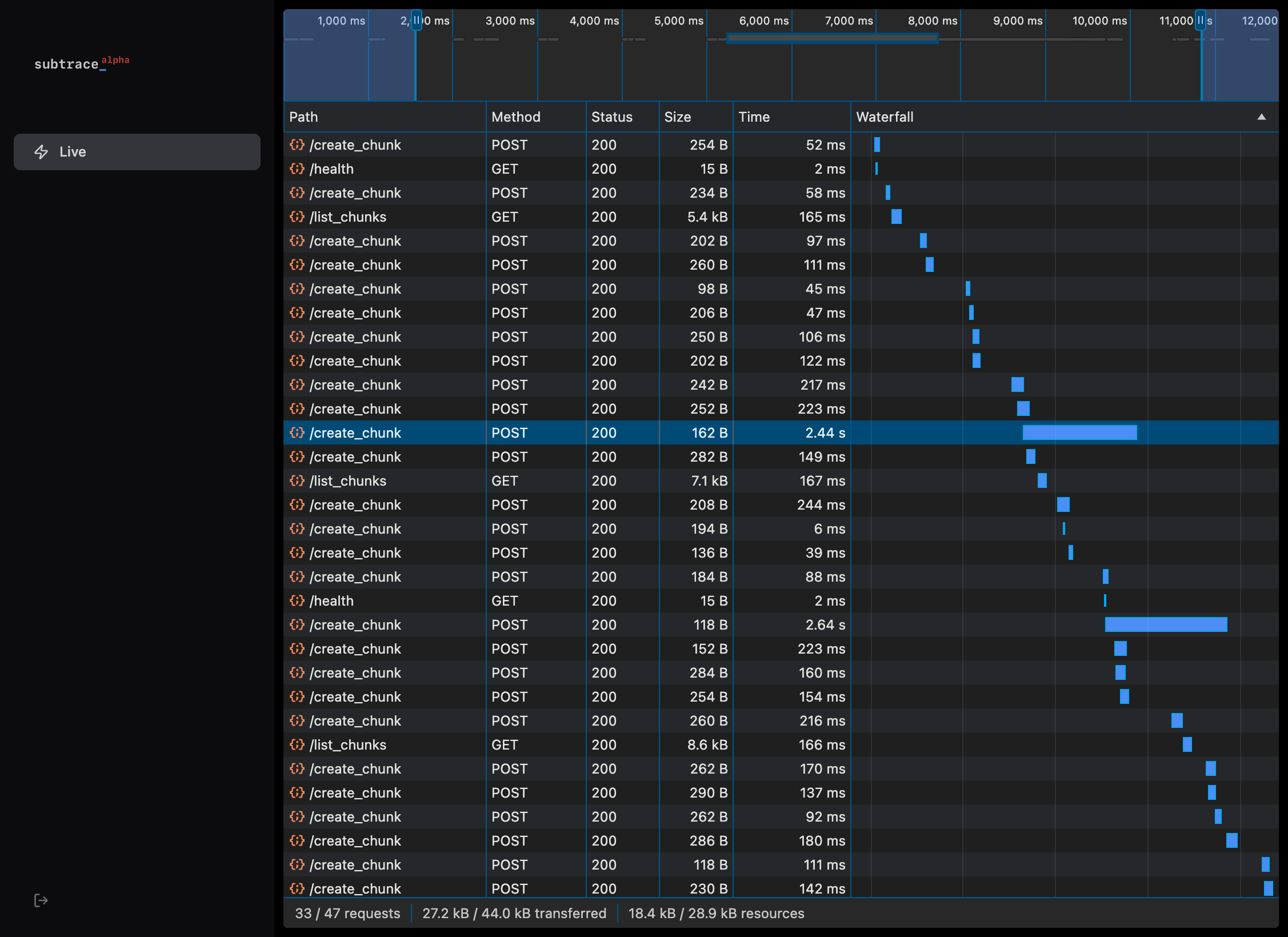
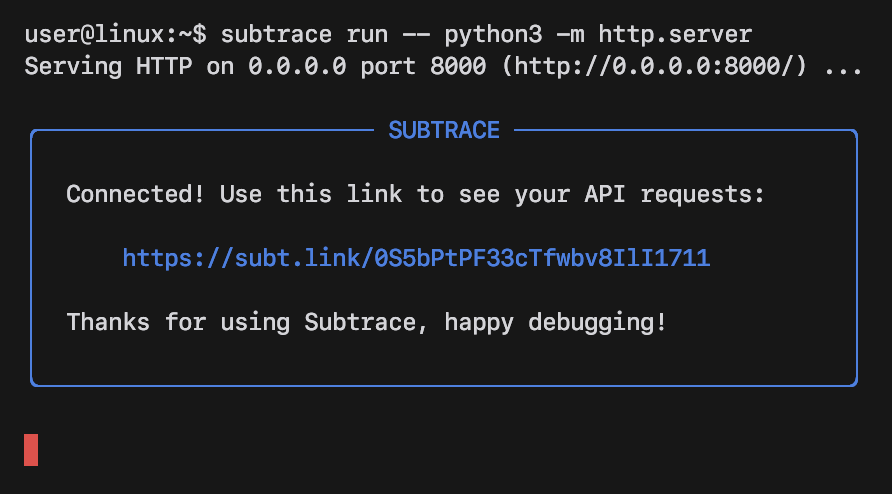 Open the `subt.link` URL in your browser to watch a live stream of your
backend server's network logs!
Open the `subt.link` URL in your browser to watch a live stream of your
backend server's network logs!
 ## Next steps
Check out the guide specific to your backend for next steps:
* **Node**: [Express.js](/nodejs-express)
* **Python**: [FastAPI](/python-fastapi), [Flask](/python-flask), [Gunicorn](/python-gunicorn)
* **Others**: [Go](/golang), [Laravel](/php-laravel)
If your language or framework isn't listed here, let us know and we can help
you get started. Join our [discord server](https://subtrace.dev/discord) or
email us at [support@subtrace.dev](support@subtrace.dev) for assistance.
## Troubleshooting
Add the `SYS_PTRACE` capability to your container.
```bash Docker (docker run) theme={null}
docker run --cap-add=SYS_PTRACE ...
```
```yaml Docker Compose theme={null}
services:
my-app:
cap_add:
- SYS_PTRACE
```
See the [full guide](/ptrace) for other platforms and environments.
## Next steps
Check out the guide specific to your backend for next steps:
* **Node**: [Express.js](/nodejs-express)
* **Python**: [FastAPI](/python-fastapi), [Flask](/python-flask), [Gunicorn](/python-gunicorn)
* **Others**: [Go](/golang), [Laravel](/php-laravel)
If your language or framework isn't listed here, let us know and we can help
you get started. Join our [discord server](https://subtrace.dev/discord) or
email us at [support@subtrace.dev](support@subtrace.dev) for assistance.
## Troubleshooting
Add the `SYS_PTRACE` capability to your container.
```bash Docker (docker run) theme={null}
docker run --cap-add=SYS_PTRACE ...
```
```yaml Docker Compose theme={null}
services:
my-app:
cap_add:
- SYS_PTRACE
```
See the [full guide](/ptrace) for other platforms and environments.